Shortcuts
Remap Split to Cmd+K, Blade to B, and Ripple Delete to Shift+Backspace.
ChatCut AI edits your local keyboard shortcuts file directly, so custom NLE bindings work immediately.
Looking for something other than the tool you use now? Each guide lists the closest options, what each one does differently, what it costs and when you should stay where you are. We make ChatCut, and we say so on every page.
Pick a familiar skin, timeline mode, and shortcut preset, or copy any prompt below into ChatCut AI to customize shortcuts, themes, or layout.
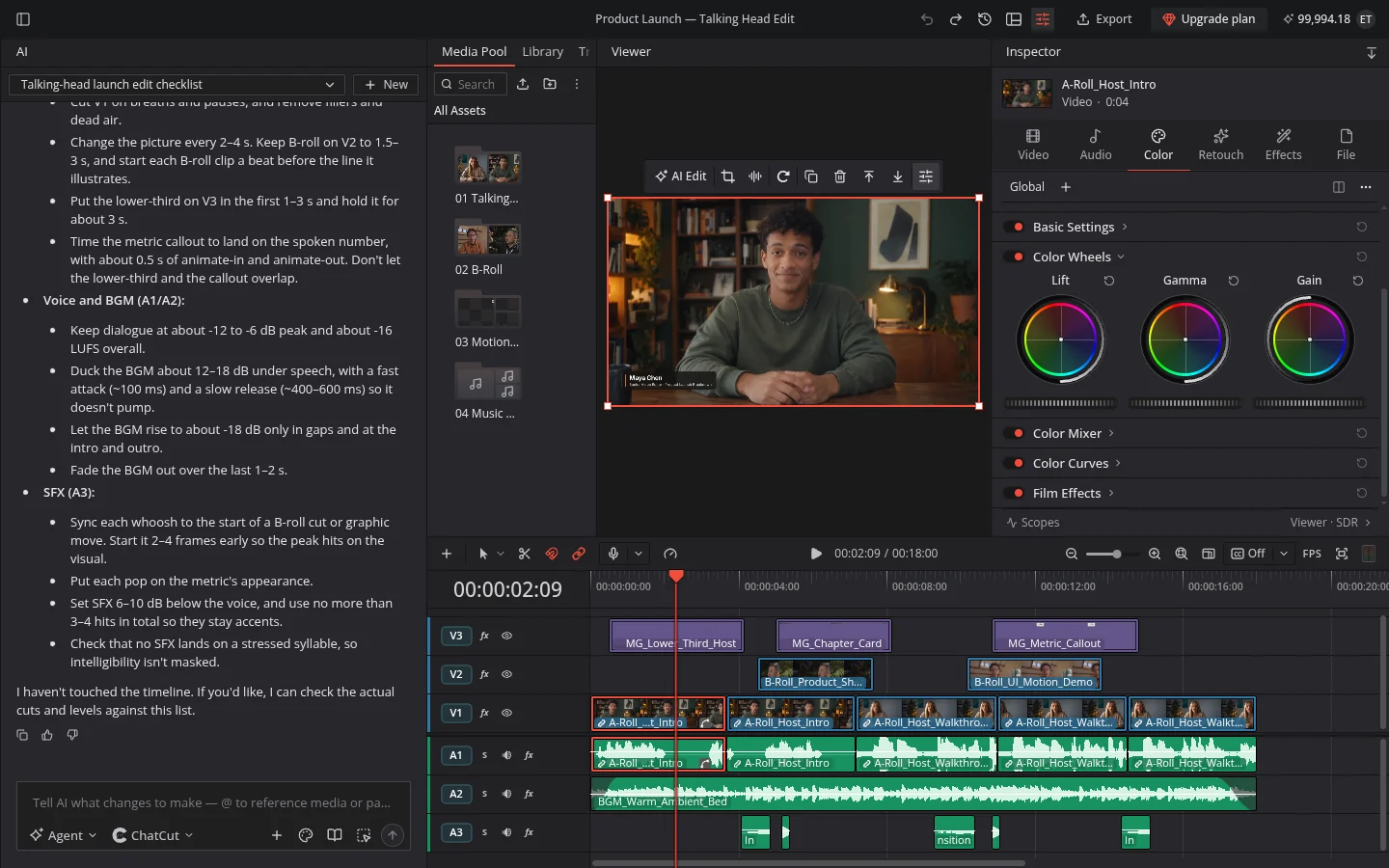
Switch to the DaVinci Resolve skin, timeline mode, and shortcuts in Settings, then export XML back to Resolve for grading.
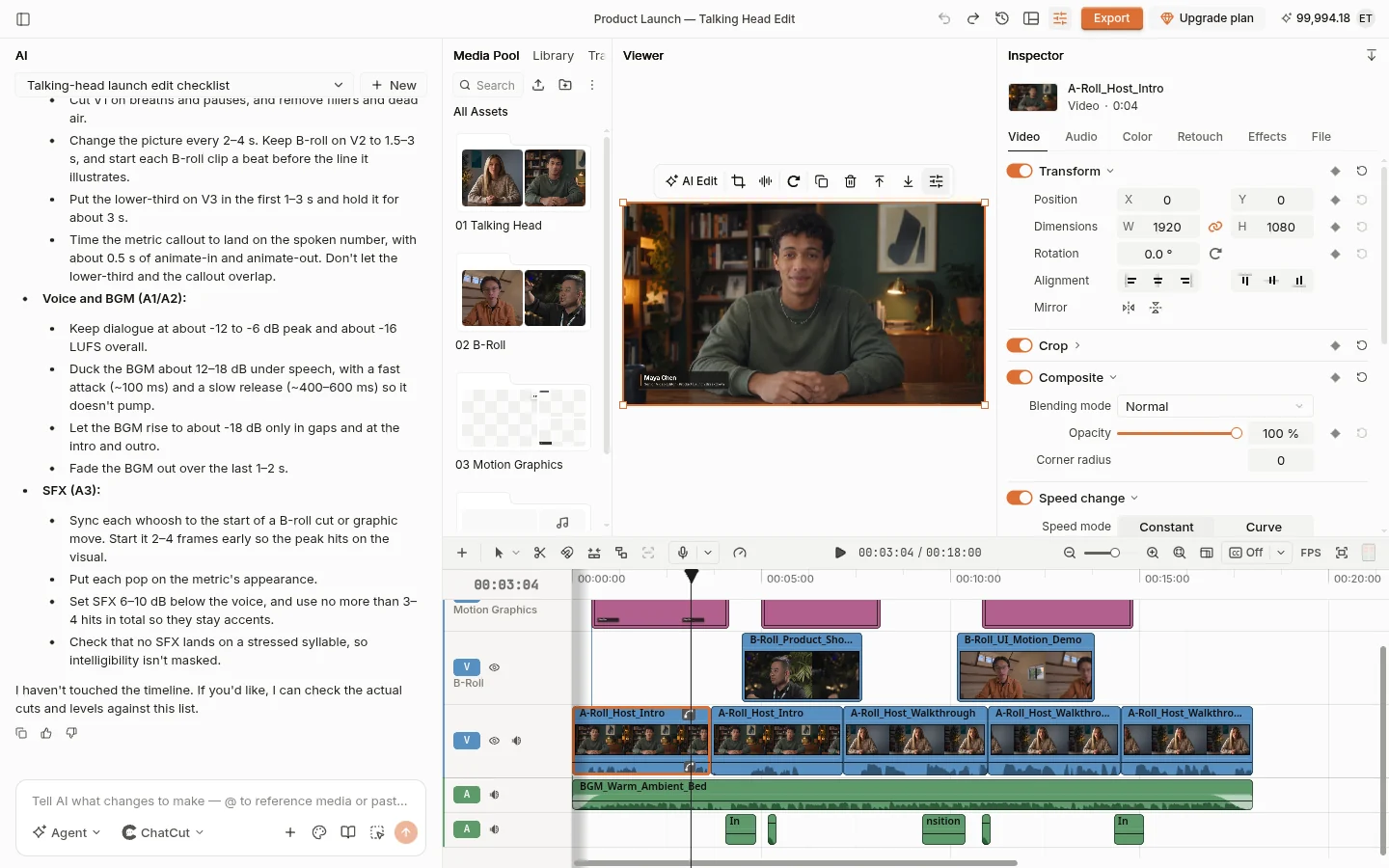
Enable CapCut magnetic primary-storyline editing and keyboard shortcuts, and export editable CapCut drafts on Desktop.
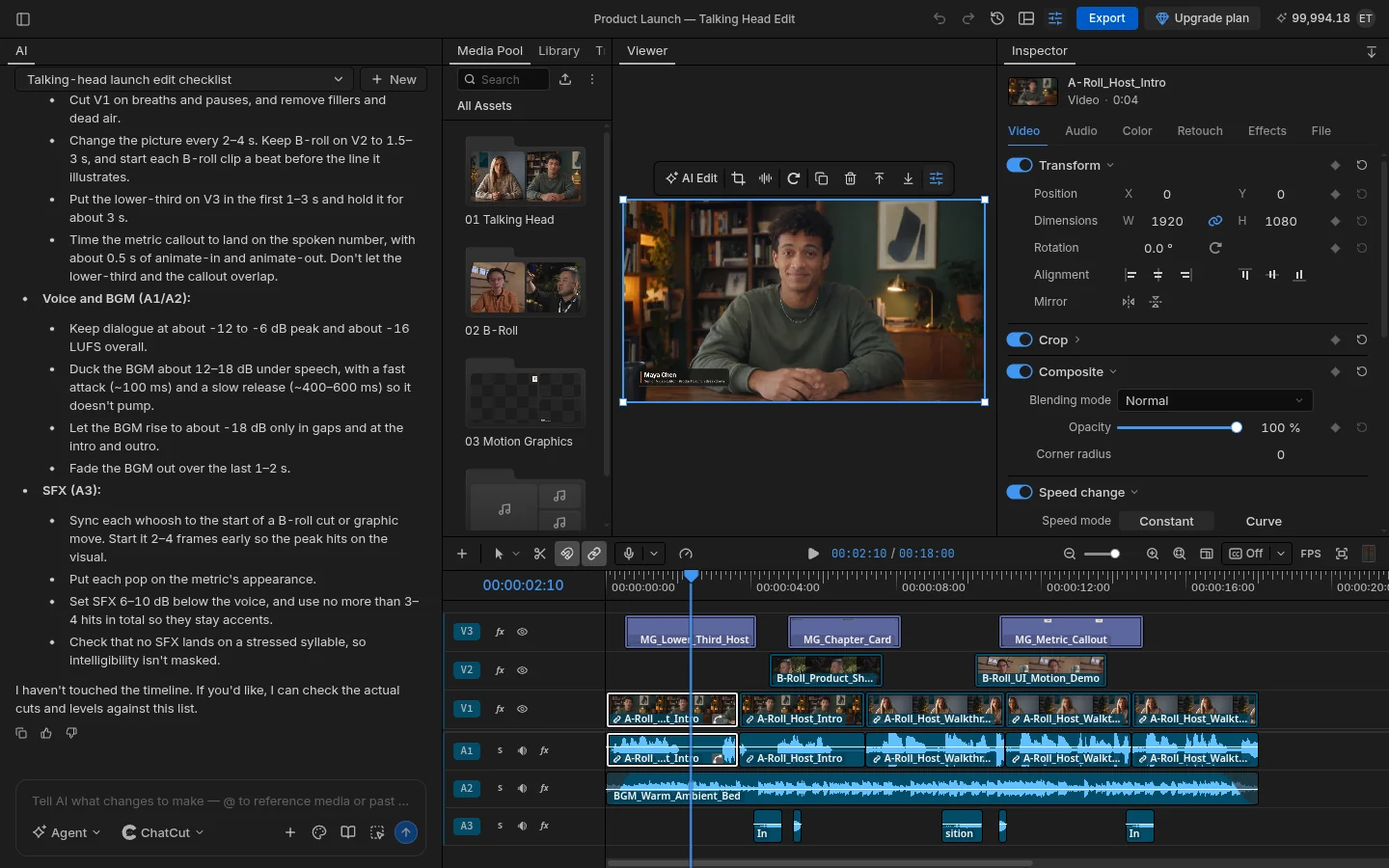
Switch to the Premiere Pro dark skin and keyboard shortcuts in Settings, then hand off an editable Premiere XML sequence.
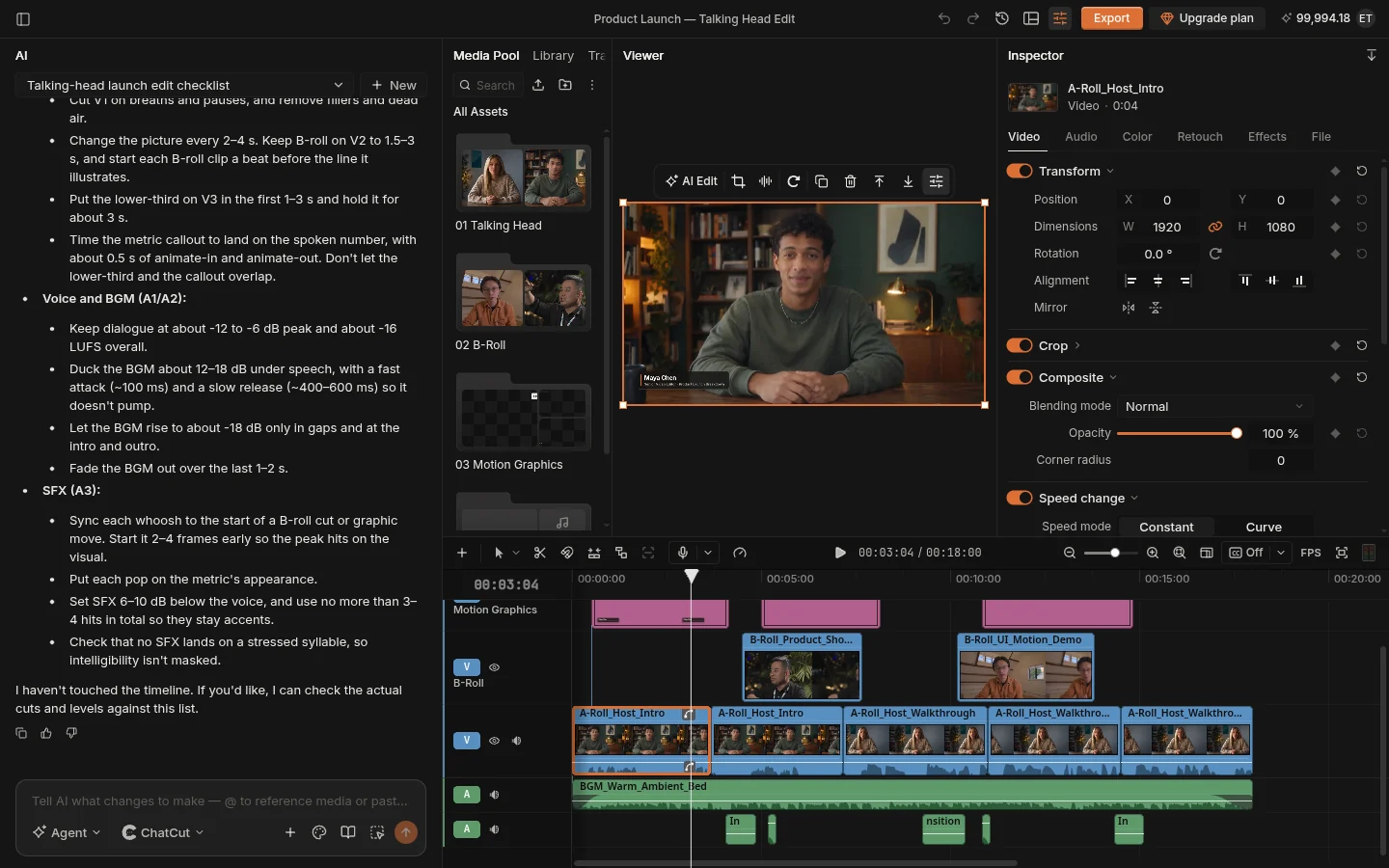
Turn on magnetic primary-storyline editing and the Final Cut Pro shortcut preset across both macOS and Windows.
Remap Split to Cmd+K, Blade to B, and Ripple Delete to Shift+Backspace.
ChatCut AI edits your local keyboard shortcuts file directly, so custom NLE bindings work immediately.
Switch to the DaVinci Resolve dark skin, tighten track heights, and tint audio clips teal.
Switch built-in skins or ask AI to tailor custom CSS appearance tokens with instant live reload.
Set up a color-grading layout with a narrow AI panel and Color Wheels open in the Inspector.
Reshape panels on demand while keeping AI editing one prompt away.
Timeline editors on your phone, computer or browser.
Text-to-video and image-to-video tools and the platforms that host the models.
Talking avatars, voiceover and text to speech.
Turning long recordings into short clips, captions and finished episodes.
Recording your screen for demos, tutorials and async updates.
Animated titles, graphics and template libraries.
Open ChatCut in your browser and start free. Prefer an app? It runs on Mac and Windows too.